
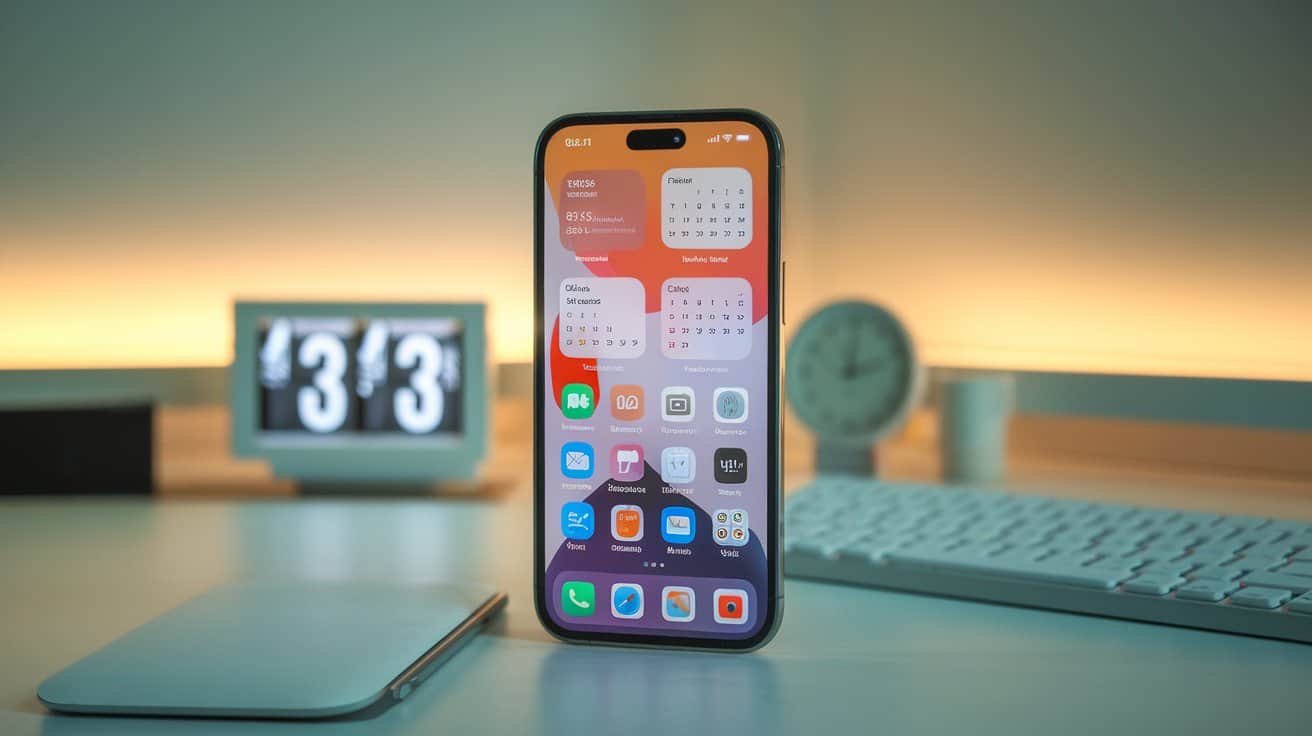
How I Saved 5+ Hours a Week With Simple Phone Settings
If your phone constantly pulls you away from what matters—scrolling, pinging, and distracting you into hours of lost time—you’re not alone. Let me share how I saved 5+ hours a week. I was in the same boat until I made a few minor adjustments to my phone settings, which had a significant impact on my experience. The best part? I gained back over 5 hours a week without deleting my favorite apps. If you’re wondering how I saved 5+ hours a week, keep reading for actionable tips.
This post contains affiliate links. As an Amazon Associate, I earn from qualifying purchases. If you click on an affiliate link and make a purchase, I may receive a commission at no additional cost. Additionally, some content on this site has been created with the assistance of AI.
Here’s precisely how I did it—and how you can, too, if you need ways to discover how I saved more than five hours each week.
1. Turn Off Non-Essential Notifications
Every time your phone lights up, it pulls your attention—even if it’s just for a second. Multiply that by dozens (or hundreds) of notifications a day. That’s a significant time lost. That’s one of the ways I saved 5+ hours a week.
What I Did:
- Turned off notifications for social media, games, and shopping apps
- Kept alerts only for messages, calendars, and banking
Result:
I stopped checking my phone “just in case” and immediately freed up significant time.
Picture This:
No more buzzing every 3 minutes. It’s just quiet focus time where your brain can breathe.
2. Use Screen Time Limits (and Stick to Them)
Realizing how I saved five hours or more each week became clearer when I used to spend hours on Instagram without realizing it. Setting screen time limits made me mindful, and I put my scrolling on a timer. That’s how I saved 5+ hours a week.
What I Did:
- Set daily limits of 30 minutes for social media apps
- Used downtime mode from 9 PM to 9 AM
Recommended Product:
I used a magnetic phone stand to keep my phone out of reach during work hours and bedtime.
Result:
Fewer late-night scrolls, better sleep, and reclaimed mornings.
3. Organize the Home Screen for Function, Not Distraction
My old home screen was a trap—full of colorful icons designed to distract me. The re-organization helped me understand how I saved 5+ hours a week.
What I Did:
- Moved social media to a separate page
- Put daily-use tools (calendar, to-do list, timer) on the home screen
- I hid the App Store so I’d stop impulse downloading
Result:
No more picking up my phone to check the weather and ending up on TikTok for 40 minutes.
4. Use Focus Mode or Do Not Disturb
Focus Mode is a game-changer. I use it for deep work, meals, and even socializing, helping me save that valuable 5+ hours each week.
What I Did:
- Created Focus modes: “Work,” “Personal,” and “Off Hours.”
- Allowed only key contacts and apps in each mode
Picture This:
You’re in the zone, writing or enjoying dinner, and your phone stays silent unless it’s genuinely urgent.
5. Auto-Organize Your Inbox & Texts
Cluttered inbox = decision fatigue. I set up filters and smart labels, so I never have to sort by hand again, ultimately discovering how I saved 5+ hours a week.
What I Did:
- Enabled auto-filters for email subscriptions, promotions, and updates
- Moved group texts to silent or muted
- Used starred messages for must-reply threads
Recommended Product:
This wireless keyboard helped me respond to important texts and emails faster without using my thumbs.
Final Thoughts
These simple phone setting tweaks changed the way I work, rest, and live. I didn’t need to uninstall everything or go off the grid. Just a few intentional shifts showed me how I saved 5+ hours a week—and gave me a whole lot of peace of mind. If you’re curious about how I saved more than 5 hours a week, consider these simple changes.
Try just one of these changes today. You might be shocked at how much calmer (and more spacious) your days feel.
You Might Also Like: